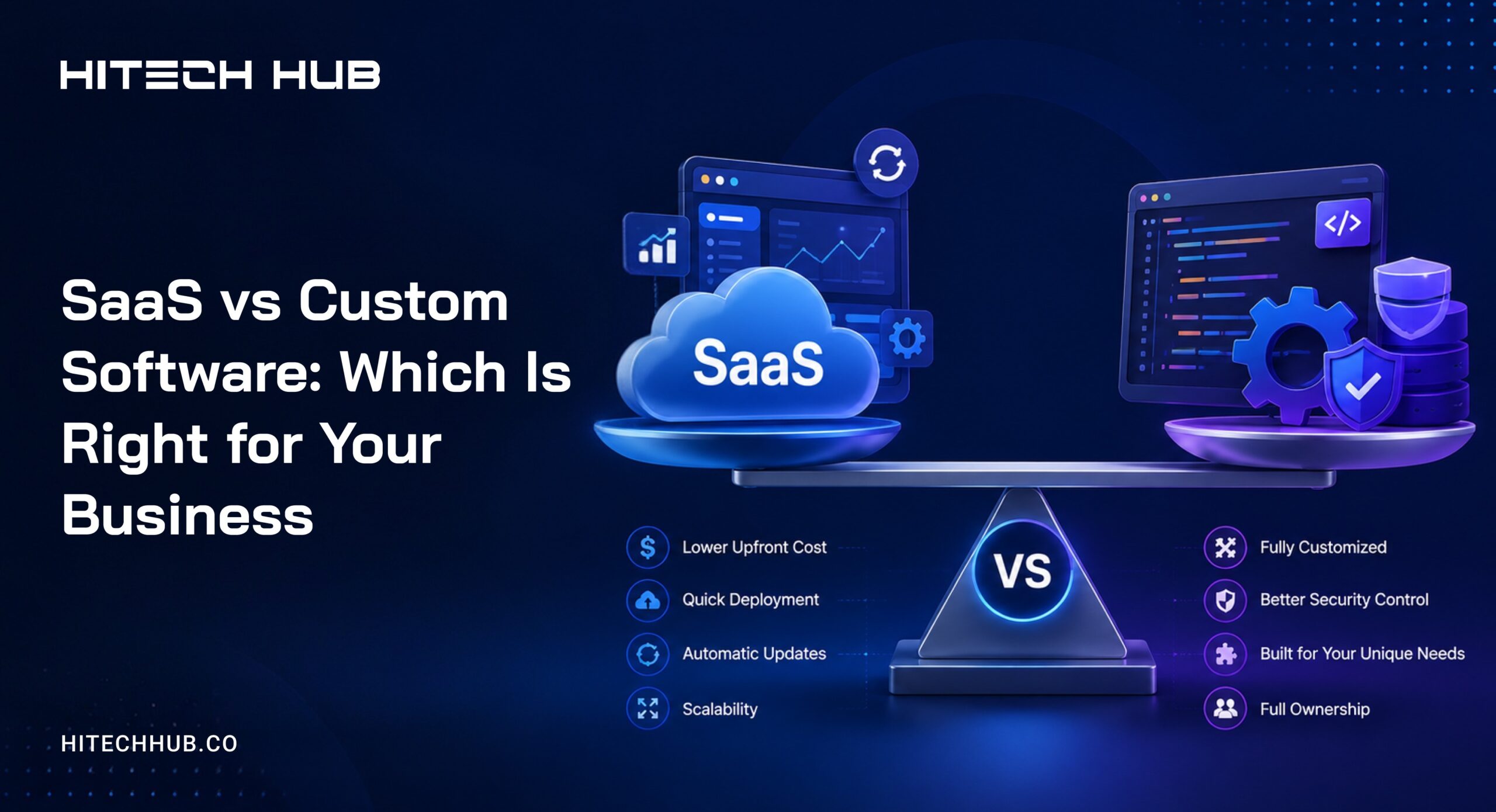
SaaS vs Custom Software: Which Is Right for Your Business in 2026
Every growing business eventually faces the same decision: keep paying for software built for everyone, or invest in software built for you.
SaaS gets companies moving fast and cheap early on — but as workflows mature, generic tools start working against the business instead of for it.
That shift is when SaaS vs custom software stops being theoretical and becomes a real, often costly, decision point.
SaaS fits best when workflows are standard, budgets are tight, and speed to launch matters most. Custom software earns its cost when processes are unique, data ownership is non-negotiable, or the workflow itself is part of what makes the business competitive.
This guide breaks down the practical differences, the hidden long-term costs rarely mentioned in a sales call, and a decision framework to help figure out which approach fits where the business actually is right now.
The global SaaS market reached approximately $375.57 billion in 2026 and is projected to grow to $1.48 trillion by 2034 (Fortune Business Insights).
That growth tells only half the story — the average enterprise now juggles over 290 SaaS applications, and more than half of all purchased licenses go unused (CompaniesHistory, 2026). That gap between adoption and actual usage is exactly where the custom software conversation usually begins.
What’s the Real Difference Between SaaS and Custom Software?
SaaS (Software-as-a-Service) is software you rent. Someone else built it, someone else maintains it, and you log in and use it — Salesforce, HubSpot, Notion, QuickBooks. You’re one of thousands of customers using the exact same product, with maybe some configuration options.
Custom software is software built specifically for your business, your workflows, and your data. You own it. It does exactly what you need it to do — nothing more, nothing extra to work around.
The distinction sounds obvious until you’re actually evaluating a decision. The real difference isn’t really “rented vs owned.” It’s flexibility vs speed, and long-term control vs short-term convenience.
Quick Comparison at a Glance
| Factor | SaaS | Custom Software |
| Upfront Cost | Low | High |
| Time to Launch | Days to Weeks | 2–9 Months |
| Long-Term Cost (3–5 Years) | Often Higher at Scale | Often Lower at Scale |
| Flexibility | Limited to the Vendor’s Roadmap | Fully Customizable |
| Data Ownership | Vendor-Controlled | Fully Owned |
| Maintenance | Handled by the Vendor | Requires In-House or Partner Support |
| Best For | Standard Workflows, Fast Launch | Unique Workflows, Long-Term Differentiation |
When Off-the-Shelf SaaS Actually Makes Sense
Let’s be honest — SaaS is the right call far more often than custom software, especially early on. Here’s when it genuinely wins.
-
You Need to Launch in Weeks, Not Months
If you’re testing a business model, validating a market, or just need to get operational, SaaS gets you there immediately. There’s no development timeline standing between you and using the tool tomorrow.
-
Your Workflow Is Standard
If what you’re doing is what thousands of other businesses also do — invoicing, CRM, email marketing, project tracking — someone has already built and refined a tool for it. You’re not unique enough yet to justify reinventing it.
-
Your Budget Can’t Absorb Upfront Costs
SaaS spreads cost over time as a subscription. Custom software requires capital upfront. If cash flow is tight, SaaS is the responsible choice, full stop.
-
You Don’t Have Technical Resources In-House
Custom software needs someone to own it after launch — bug fixes, updates, server maintenance. If you don’t have that capacity yet, adding custom software adds a maintenance burden you’re not ready for.
When Custom Software Is the Better Investment
Here’s where it gets more interesting, and where most generic advice stops short.
-
Your Workflow Is the Thing That Makes You Money
If your competitive advantage is a unique process — a proprietary scoring model, a non-standard fulfillment flow, a workflow no competitor runs — forcing it into a generic SaaS tool means either breaking your process to fit the software, or duct-taping five tools together to fake it. Neither protects what makes you different.
-
You’re Hitting a Wall on Integrations
This is the most common trigger behind the SaaS-to-custom shift. A company is running four or five SaaS tools, and the real cost isn’t the subscriptions — it’s the engineering hours spent gluing them together with Zapier workflows and custom scripts that break every time one vendor pushes an update.
-
Data Ownership and Security Requirements Are Non-Negotiable
In regulated industries — healthcare, finance, legal — where your data lives and who can access it isn’t a preference, it’s a compliance requirement. Custom software gives you full control over architecture, hosting, and audit trails in a way most SaaS platforms simply can’t match without expensive enterprise tiers (and even then, you’re trusting someone else’s infrastructure).
-
You’re Scaling Past What SaaS Pricing Tiers Were Designed For
Per-seat or per-transaction SaaS pricing is built for a few hundred users, not tens of thousands. Many companies hit a point where their SaaS bill scales faster than their revenue — at that point, the “cheap” tool becomes the most expensive line item in the company.
When Each Approach Pays Off
Cost and workflow aren’t the only things that matter. Sometimes it comes down to how stable your process is, who you’re building for, or whether the real fix is connecting tools instead of replacing them. This table walks through situations.
| Situation | What Fits Better | The Reason |
| Your process keeps changing every few months | SaaS | You don’t have to pay to rebuild custom software every time you change how you work.” |
| Want something of your own to show investors or buyers later | Custom | Software you rent doesn’t count as something you own or can sell as part of the business |
| Rules and compliance requirements change often in your industry | SaaS (from a vendor who focuses on that industry) | They deal with the compliance changes for you, so you don’t have to keep updating your own system |
| Need something live in a few days, not months | SaaS | You can sign up and start using it right away, no build time needed |
| Your business depends on keeping certain data fully private | Custom | You control where the data lives and who can access it |
The Hidden Cost of “Cheap” SaaS Tools Over Time
Nobody talks about this part enough, so let’s talk about it.
Per-seat pricing compounds. A $40/month tool feels nothing like $40/month once you have 200 employees logging in.
Vendor lock-in is real. Once your data, workflows, and team training are built around a SaaS tool, switching costs more than people expect — both in migration effort and in retraining.
Feature creep dilutes the product. SaaS vendors build for their broadest customer base, not for you specifically. Over time, tools get bloated with features you don’t need while still missing the one feature you actually do need.
You’re renting your competitive advantage. If your workflow lives entirely inside someone else’s platform, you don’t fully control it — pricing changes, feature removals, even the vendor getting acquired can all directly disrupt your operations.
None of this means SaaS is bad. It means the “cheap and fast” option isn’t automatically the cheap option over a 3-5 year horizon.
How SaaS and Custom Software Actually Pay You Back
Money moves differently depending on what you’re using. SaaS earns through ongoing customer payments that add up over time. Custom software doesn’t bring in direct income, it pays you back through savings, fewer mistakes, and time your team gets to spend elsewhere.
SaaS
| What it’s About | How it Works | Why it Matters |
| Monthly or yearly payments | Customers pay a set amount to keep using the software | Brings in steady, predictable income every month |
| Different pricing plans | Basic, mid, and higher plans priced differently | Customers who need more end up paying more |
| Add-ons and upgrades | Existing customers pay extra for more features or more seats | More income from the same customers, without finding new ones |
| Low cost per extra customer | Adding one more customer barely costs anything once the product is built | Profit margins stay high as more people sign up |
Custom Software
| What it’s About | How it Works | Why it Matters |
| Cost savings | Manual work gets replaced with automated steps | Savings show up compared to what it used to cost to do the same work |
| Full ownership | The software belongs to your business, not a vendor | Nothing gets taken away if a vendor changes plans, pricing, or shuts down |
| Lower risk | Security and compliance are built around your exact needs | Fewer mistakes, fewer compliance issues, less money lost fixing problems |
A Decision Framework: 5 Questions to Ask Before You Choose
Before defaulting to either option, run your situation through these questions honestly.
1. Is this workflow something that makes us different, or something every business does the same way?
Standard process → SaaS. Differentiated process → custom software is worth evaluating.
2. How many tools are we currently stitching together to make this work?
One or two SaaS tools, fine. Four or more with custom integration work between them is usually a sign you’re already paying for custom software — just badly, in pieces, without owning any of it.
3. What happens to our data and compliance posture if this vendor has an outage, a breach, or shuts down?
If the answer is “that would be a serious problem,” your risk tolerance probably points toward more control, not less.
4. Do we have (or can we budget for) the technical resources to maintain custom software after launch?
Custom software isn’t a one-time cost. If there’s no plan for ongoing maintenance, it’s not the right time yet — regardless of how strong the business case otherwise looks.
5. At our current growth rate, will we outgrow SaaS pricing or flexibility within 18-24 months?
If yes, it may be worth building the custom path now rather than migrating under pressure later, when switching is more expensive and more disruptive.
You Don’t Always Have to Choose One
The honest answer for a lot of growing businesses isn’t “SaaS or custom” — it’s “SaaS for what’s standard, custom for what’s not.”
Plenty of companies run SaaS tools for HR, accounting, and email, while building custom software specifically for the one or two workflows that actually drive revenue or differentiate them in the market.
That hybrid approach often delivers the best of both: speed where speed matters, and control where control matters more.
Final Thought
There’s no universally “right” answer here — only the right answer for where your business is right now and where it’s headed in the next two to three years. The mistake isn’t choosing SaaS or choosing custom software.
The mistake is not revisiting the decision as your business changes, and waiting until a tool is actively costing you money or flexibility before you act.
If you’re at the point where you’re not sure which side of this decision you’re on, that uncertainty is usually itself a sign it’s worth a proper technical assessment before committing either way.
Frequently Asked Questions
Is custom software always more expensive than SaaS?
Not over the long term. SaaS has lower upfront cost but can become more expensive than custom software once you factor in per-seat scaling, integration costs, and multi-year subscription totals.
Can I switch from SaaS to custom software later?
Yes, and many companies do exactly this — starting on SaaS to validate their model, then moving core workflows to custom software once those workflows are proven and stable.
How long does custom software development usually take?
A focused MVP can take 8-12 weeks; a more complete custom platform typically takes 4-9 months depending on scope, integrations, and compliance requirements.
Is custom software more secure than SaaS?
It can be, because you control the architecture and hosting environment directly — but only if it’s built and maintained properly. Poorly maintained custom software can be less secure than a well-established SaaS platform with dedicated security teams.
What’s a good first step if I’m not sure which option fits my business?
Map out your core workflows and flag which ones are standard versus which ones are unique to how you operate. That alone usually makes the decision much clearer.

Eshika Jain
01-July-2026
Top Categories

NEED HELP SELECTING A COMPANY?
With the fast-paced world of web development today, keeping pace.
Connect With Us